
How Can I Change My LATAM Flight Ticket?
LATAM Airlines flight ticket change policy to find out how to modify departure date, time, route, and other booking information prior to your travel.
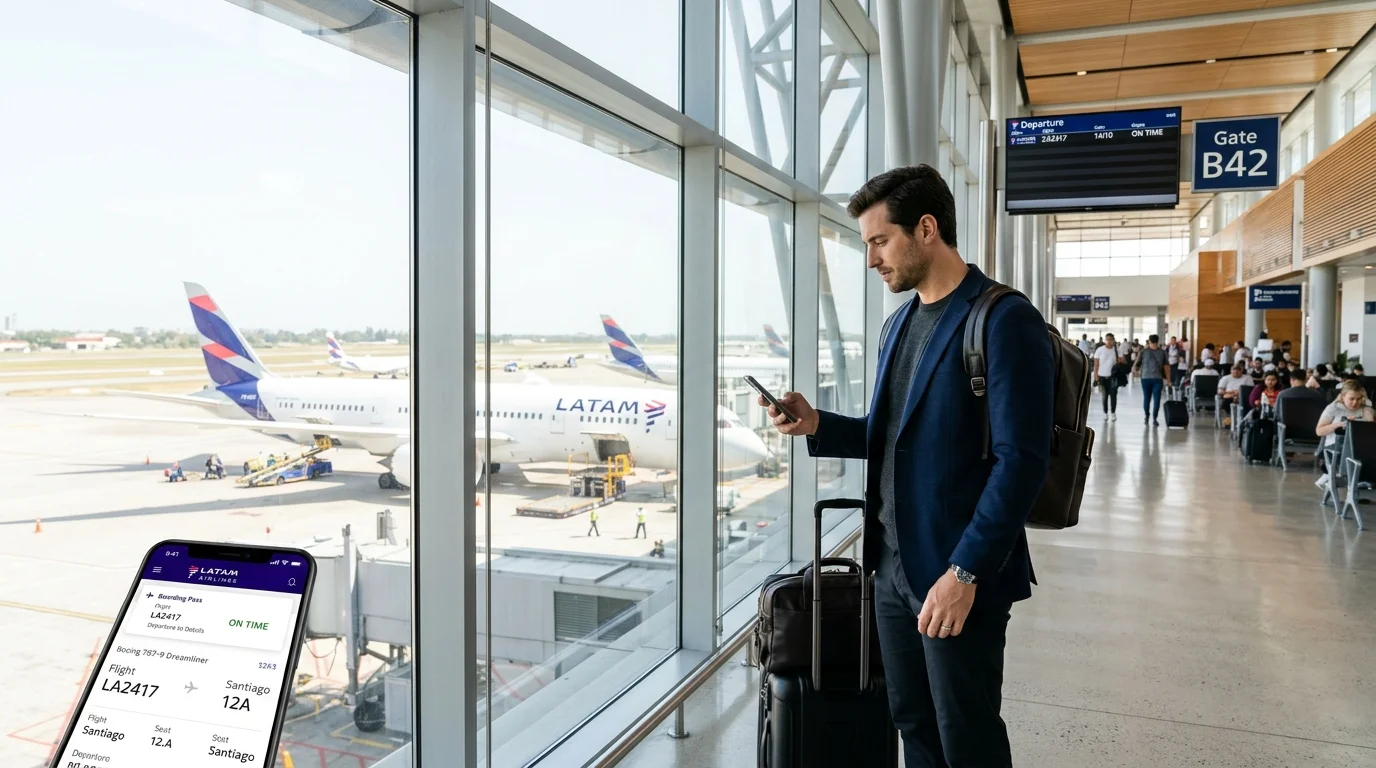
Travel plans may change for different reasons. You may have to take your flight at another day and time. When conditions of the ticket allow it, LATAM Airlines offers passengers the option to change flights.
LATAM Airlines flight Change Policy gives you the information you need to know the conditions to make modifications. Bookings can be modified at the airline’s official website or mobile app. However, fees and conditions depend on your ticket type, route, and time of the request.
Can I Change My LATAM Airlines Flight?
Yes. LATAM Airlines allows passengers to change their flights if their ticket conditions permit it. You’ll find out if you’re eligible in the My Trips section of the airline’s site.
The options that are available to you rely on:
Some fares allow you to change your ticket for a charge. Other fares allow you to change your ticket with no charge. There might still be a fare difference, though, if the new flight costs more.
How to Change a LATAM Flight Online?
You can make a request for the change of flights via the official LATAM Airlines website or mobile app.
Follow these steps:
Visit the LATAM Airlines official website.
Open the My Trips or Reschedule Your Trip section.
Enter your order number or reservation code.
Provide the passenger's last name.
Select your booking to view the trip details.
Choose the option to change your flight date.
Select the flight segment you want to modify.
Choose your preferred date, time, and available fare.
Review the applicable charges and fare difference.
Confirm the changes and complete the payment, if required.
You can also use the LATAM mobile app. Open My Trips, select Manage Your Trip, and choose the option to change your flight date.
What Are the Important Rules for Changing a Flight?
The LATAM flight Change rules depend on your fare type and travel route. The airline also considers whether you request the change before or after departure.
The following table summarises the official fare conditions.
| Fare type | Domestic flights outside Brazil | International flight |
|---|---|---|
| Basic | Fee before departure; no fee after departure | Fee before and after departure |
| Light | Fee before departure; no fee after departure | Fee before and after departure |
| Standard | Fee before and after departure | Fee before and after departure |
| Full | No fee before departure; fee after departure | No fee before and after departure |
| Premium Economy Standard | Fee before and after departure | Fee before and after departure |
| Premium Economy Full | No fee before and after departure | No fee before and after departure |
Does LATAM Airlines Charge a Flight Change Fee?
The LATAM flight Change Fee will vary based on ticket conditions and new flight chosen. There is no single fee for every booking.
You may need to pay two different amounts:
To check the exact cost:
Open My Trips on the LATAM website.
Select the ticket change option.
Choose your preferred new flight.
Review the final amount displayed before payment.
The airline shows the applicable charges during the change process. Check the total before confirming your request.
Can I Change My Flight on the Same Day?
Yes. Eligible bookings can be changed within one day of booking on LATAM.
You can request this change from 24 hours up to 1 hour and 40 minutes before departure. The new flight must be for the same travel date, origin and destination.
To request this change:
There might be a one-time fee based on the fare and on the status of LATAM Pass membership. This option has limitations: some bookings with checked baggage, additional services and some connections.
What Happens If LATAM Changes or Cancels Your Flight?
If you miss your flight or LATAM changes your flight, then they will provide you with alternative flights free of charge.
Passengers can:
For eligible cancellations or rescheduling, the replacement flight generally needs to keep the same destination and cabin type. Additional conditions may apply to flight add-ons.
Tips to Avoid Problems When Changing Your Flight
Keep these points in mind before making a request:
FAQs
Ready to Book Your Next Trip?
Call us today for the best flight deals and personalized assistance